1. Open your Pluq app
Make sure you are in service provider mode
2. Go to Settings
3. Find and tap “WhatsApp integration”
Then tap “My provider code”
4. You found your booking code
Share it from the app, or copy it and send it to clients
The first message is Book, then the provider code. Send that once, then follow the booking steps.
Scan the code. WhatsApp fills in Book and the provider code.
1. Open your Pluq app
Make sure you are in service provider mode
2. Go to Settings
3. Find and tap “Subscription & Payment”
4. Tap “Buy Credits”
5. Tap on any bundle to TopUp and keep the bookings going
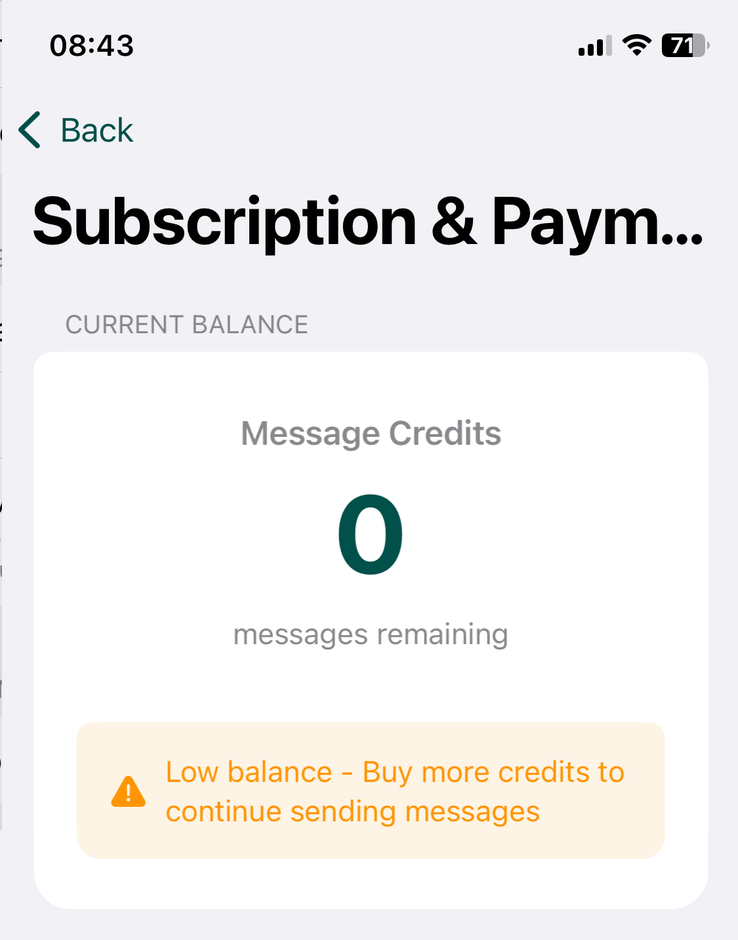
This is how “ran out” looks like